What Is an AI Gateway? (And When You Actually Need One)

You build an agent. One user task fans out into dozens of LLM calls: GPT-4 to reason, a cheaper model to route, Anthropic for long context. Run a fleet of these and your token burn turns spiky, and when the bill lands you can’t tell which agent or which step ate the budget. This is the infrastructure problem an AI gateway exists to solve. It hits non-agent teams too: ship on OpenAI, add Anthropic for one feature, let a teammate wire in a third provider, and six months later your usage has sprawled across SDKs and scattered keys with nothing tying it together.
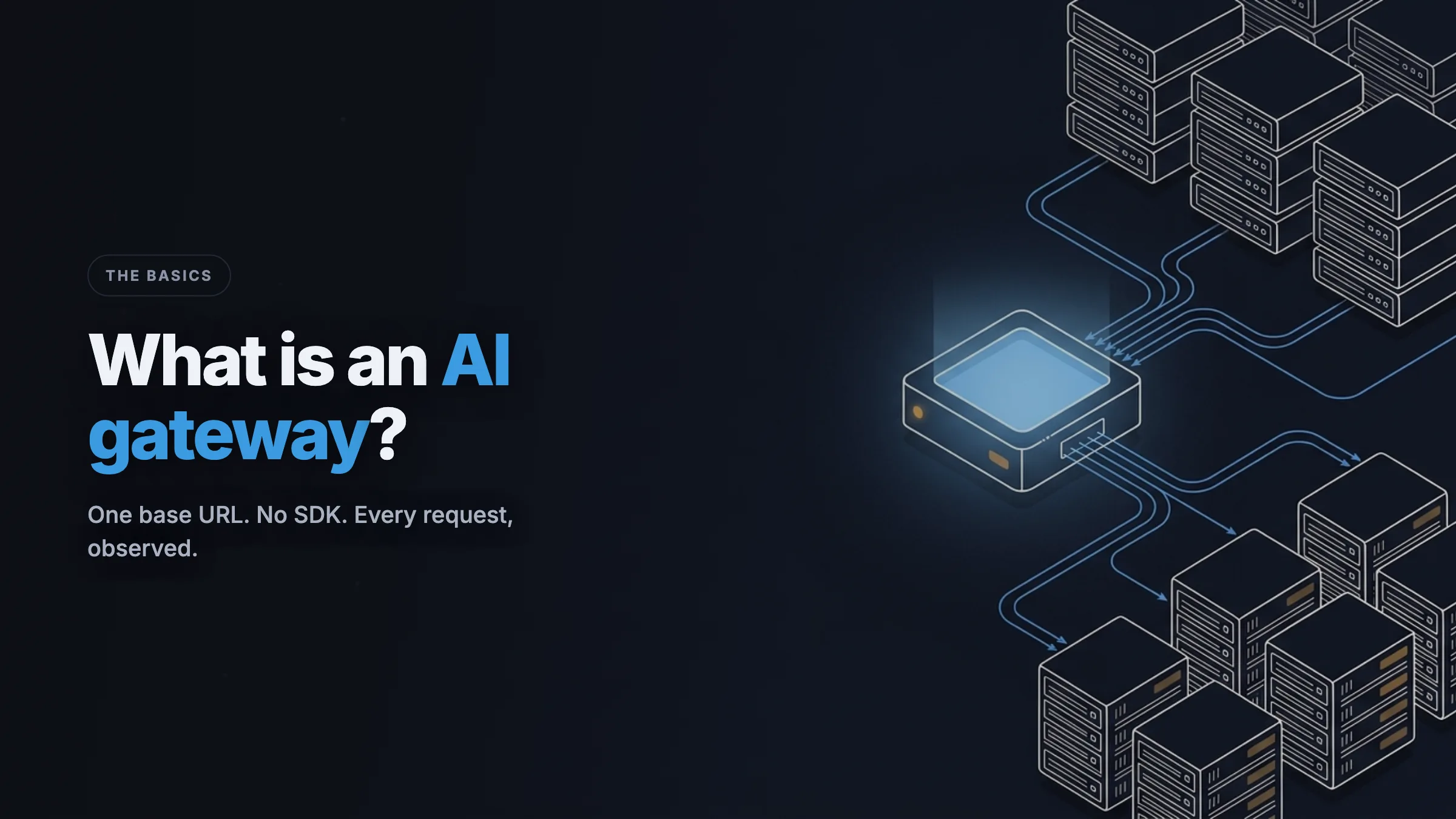
An AI gateway is one layer that sits between your application (or agent) and the LLM providers it calls. Every request goes through it, so it becomes the single place to see your traffic, attribute cost down to one agent or feature, and (over time) route it and apply policy, all without touching each call site. Usage that was invisible becomes something you can watch from one spot.
What an AI gateway is
A gateway is the one door all your LLM traffic walks through. Instead of your code calling api.openai.com and api.anthropic.com directly, it calls a single base URL, and the gateway forwards each request to the right provider. Because every request passes through that one door, the gateway can see and govern traffic that would otherwise be spread across dozens of call sites and a few provider dashboards.
Think about how a company handles spending. The messy version is everyone paying on personal cards and submitting receipts. There’s no central view, no per-team limit, and the real numbers only show up weeks later when expense reports get reconciled. The managed version is a corporate card. One system issues access, sets per-team limits, and produces a statement everyone trusts. An AI gateway is the corporate card for your LLM calls. It sees every transaction, attributes it to the right owner, and becomes the place the rules live as your usage grows.
At minimum, a gateway forwards a request and records what happened: which model, how many tokens, what it cost, how long it took, and whether it worked. Everything you build on top of that (routing logic, caching, budget enforcement) is what turns raw visibility into real control.
When you actually need one
You don’t need a gateway for a weekend project that calls one model. You need one when running your LLM usage without a central layer starts to hurt, when the sprawl across providers, keys, and integrations grows past what you can hold in your head. Three signals tell you you’ve crossed that line.
Your agents, providers, and integrations have sprawled
This is the core trigger, and the other two are versions of it. An agent makes it acute: a single run can hit OpenAI for chat, Anthropic for long-context work, and a cheaper model for routing, so you are maintaining several integrations, auth schemes, and error-handling paths at once. The same sprawl creeps up on any team that adds a provider for embeddings and an internal tool: a handful of provider relationships, API keys scattered across services, and nowhere to see or manage any of it. A gateway collapses that into one base URL and one request shape, and it becomes the single place where visibility and (later) policy live. Toolken speaks the OpenAI-compatible API plus Anthropic’s native API, so a one-line base-URL swap covers both without changing your SDK.
You can’t see what your usage is doing
Your provider invoice is a single number, and your provider dashboard shows that account in aggregate. But your application has a chat feature, a summarization job, a classifier, and an internal tool, each with its own usage and cost profile. Averaged together, those numbers tell you nothing useful: not which feature is growing, not which customer is expensive, not where a runaway loop is hiding. A gateway lets you tag each request with the dimension you care about (feature, customer, environment) and see traffic and spend broken down by that tag. Toolken does this today. Attach an X-Toolken-Key and whatever metadata you want, and the dashboard shows cost per tag. Cost is the first thing most teams want to see, but the real win is finally having one lens on usage that was invisible before.
You want to keep your own provider keys
Some gateways pool credentials or ask you to hand over your provider keys. If you’ve got contractual or compliance reasons to keep your own provider relationships, you want a BYOK (bring-your-own-key) gateway. You supply your provider key on each request, and the gateway forwards it to the provider without holding it in a pool. Keeping ownership of your keys while routing everything through one layer is part of staying in control, not handing it off. Toolken is BYOK by default.
AI gateway vs proxy vs SDK
These three terms get used interchangeably, and they shouldn’t be.
A proxy forwards traffic. A reverse proxy in front of an LLM provider can add a header, log a request, or terminate TLS, but it has no idea what a token, a model, or a cost is. It moves bytes. Every AI gateway is a proxy underneath, but not every proxy is an AI gateway.
An SDK is a client library you import and call in-process, the official OpenAI or Anthropic package, for example. It makes calling one provider pleasant, but it lives inside your application. To centralize anything across services, every service has to import and configure the same SDK the same way. There’s no one place to watch the traffic, and nowhere central to apply a rule.
An AI gateway is a proxy that understands LLM semantics. It reads usage from the response, prices it, attributes it to a dimension you pass, and shows you the result, all from one layer that sits outside your code. Because it runs as infrastructure, one integration covers every service that points at it, and it becomes the natural home for the controls you add later. Here’s the test: if the layer can tell you cost per customer this month without you instrumenting each call site, it’s a gateway, not a proxy.
Common mistakes when adopting a gateway
Confusing visibility with control. A gateway that reports spend tells you about a runaway loop after the bill arrives. Enforcement (hard spend caps that stop a request at the edge) is a different thing, built on top of that visibility. Toolken’s attribution and dashboards are live today. Budget enforcement, smart routing, and caching are on our roadmap, not shipped. The gateway is the right place for that control to live, which is the whole point of routing through one layer, but be clear about which half you have today and which is coming.
Adding a self-hosted layer you then have to operate. A self-hosted proxy is real infrastructure. You run it, patch it, scale it, and own the database behind its dashboard. That’s the right call for some teams and a hidden cost for others. We dig into that tradeoff in our Toolken vs LiteLLM comparison and the broader LiteLLM alternatives page.
Not tagging requests from day one. A gateway can only attribute what you tell it. If you route traffic through it but pass no metadata, you get aggregate numbers, the same blind spot you started with. Decide your attribution dimensions (feature, customer, environment) before you cut over, and pass them on every request.
See your usage before you commit
The fastest way to understand an AI gateway is to route one feature’s traffic through one and watch it show up: cost, latency, and errors, broken down by the tag you pass. That’s a five-minute change, and it answers the “which feature is doing what” question on the first request. If you want to understand what it costs before committing, the Toolken pricing page has the full tier breakdown, including what’s free.
Start for free, no credit card required
Frequently asked questions
Is an AI gateway the same as an API gateway?
No. General-purpose API gateways (such as AWS API Gateway) are built to manage generic HTTP traffic: auth, rate limits, and routing across any backend. An AI gateway is built specifically for LLM traffic, so it adds token parsing, per-model pricing, and cost attribution across providers natively.
Does an AI gateway add latency?
It adds a network hop, so some overhead is unavoidable. The question is how much. Toolken runs at the edge and adds 15 to 50 ms, measured in production. For most LLM calls, where the model itself takes hundreds of milliseconds to seconds, that's a small fraction of total response time.
Do I have to rewrite my code to use one?
A well-designed gateway needs no SDK change. With Toolken, you point your existing OpenAI-compatible client at one base URL and add a header. The five-minute setup is the whole integration.
Can a gateway enforce spend limits?
Some can. Toolken's cost attribution and dashboards are live today; in-band budget enforcement is on our roadmap and not yet shipped. The gateway is the right place for that control to live, but if hard caps are a requirement right now, confirm a tool enforces them before you commit.
What does an AI gateway cost?
Pricing models vary: per request, per seat, or usage tiers. Toolken has a published pricing page and a free tier to start, with no credit card required.
Ready to see your LLM cost, latency, and errors by feature?
5-minute setup. Free up to 10,000 requests/month.
Join the Beta